 Go to OpenCart Admin>Extensions>Order Totals
- Click “Uninstall” for “Coupon” to remove this field
- Click “Uninstall” for “Gift Voucher” to remove this field
Thats done! Enjoy.
 Go to OpenCart Admin>Extensions>Order Totals
Thats done! Enjoy.
Turn insight into action
If this article sparked an idea, question, or project direction, I can help you turn it into a practical next step.
Related reading
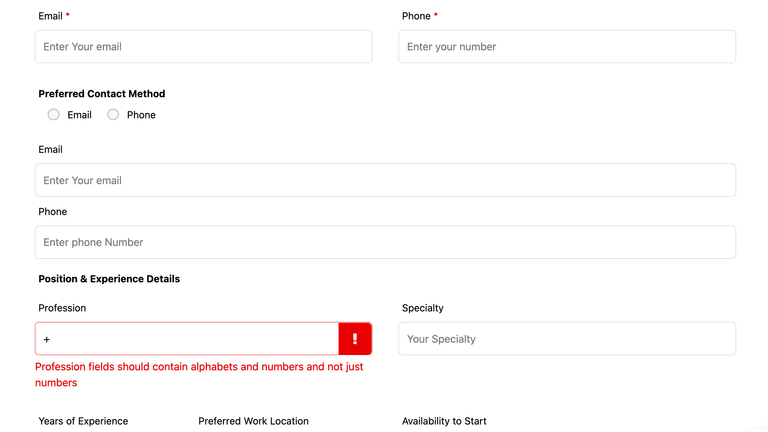
Suppose you have used Ninja Form Plugin in your wordprss website. Ninja form provide you the option to validate the fields like email address, phone numbers format and required validation. But in case you have to add any custom validation then Ninja form provide you the hook to implement custom client side validation.
Read articleWe recently migrated our website to another hosting service running FPM/FastCGI . We noticed under the website CMS -> tools -> Site Health Status , that all our REST API calls were failing authentication. It appeared to turn the request into an request from an Anonymous user even though we passed Basic Authentication h
Read articleWhile using select2 library, if you have to find the selected and unselected item based on the change event when you check or uncheck the items. Based on the checked status, you may have to create some custom trigger or events then you can use the below code reference from codepen to achieve the save. […]
Read articleMost recent
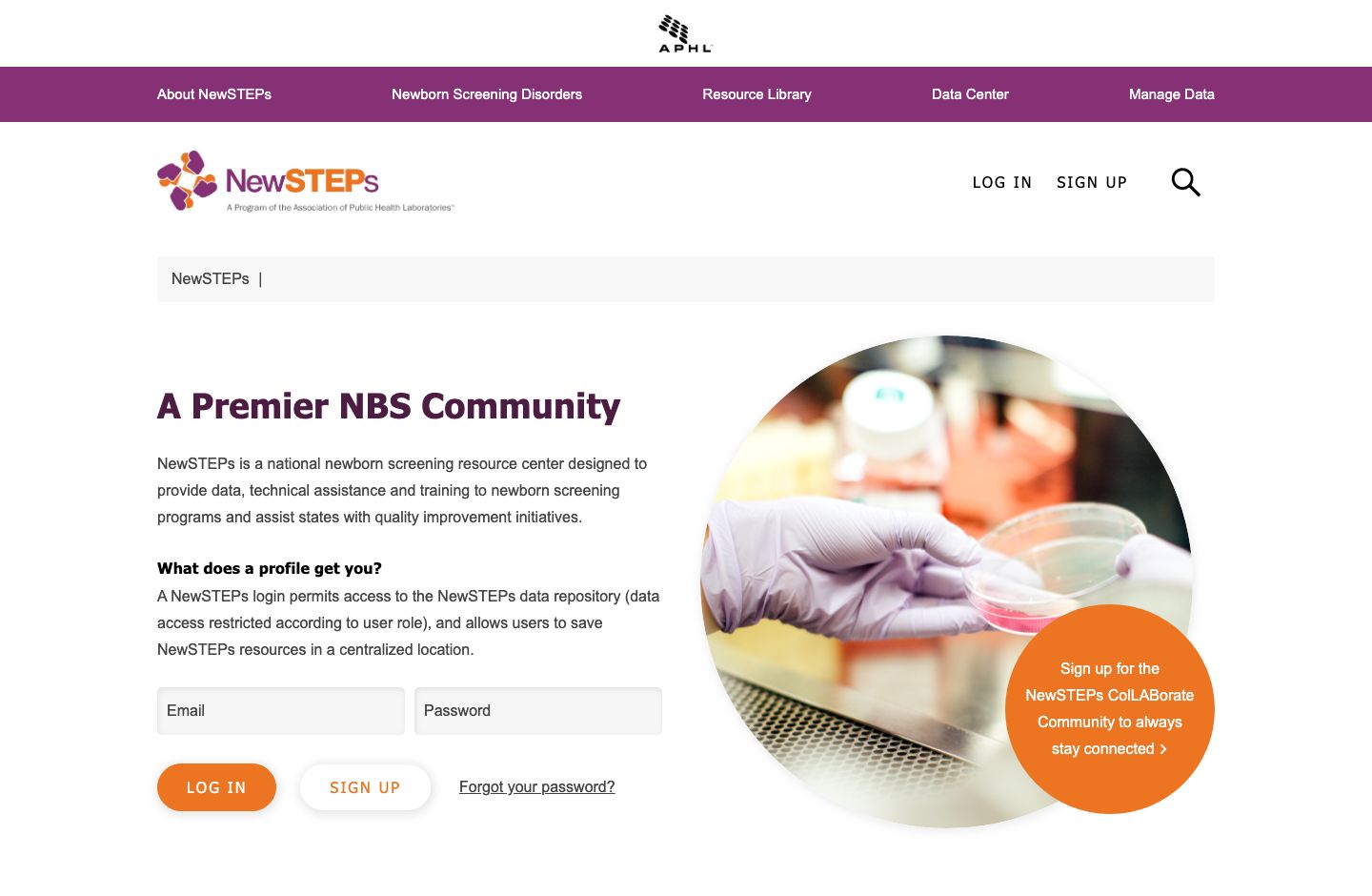
Navigating the digital transition in government administration is a critical step for modern civil servants. If you are a state employee looking to enhance your administrative efficiency, the Bihar Computer Competency Test (CCT) portal serves as your primary gateway to certification and skill validation. Managed by the
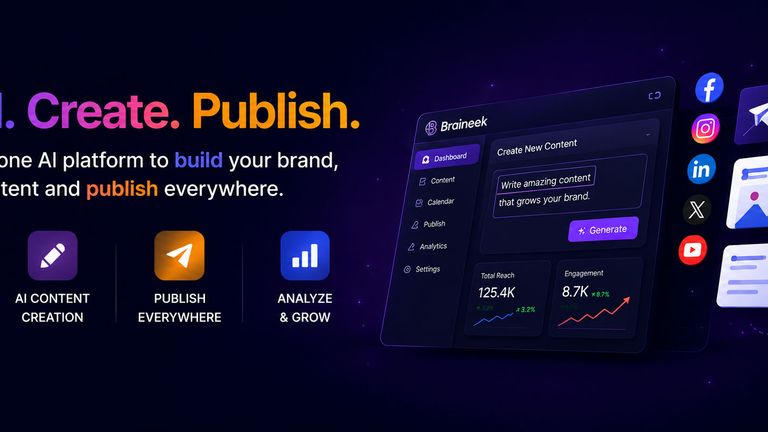
Read articleThe digital landscape is evolving at a breakneck pace, and for modern creators, the pressure to produce high-quality output consistently has never been higher. This is exactly how Braineek is helping content creators bridge the gap between creative burnout and sustained productivity. By integrating sophisticated AI-dri
Read articleThe landscape of professional productivity is shifting rapidly, and Microsoft’s recent Copilot refresh signals a major evolution in how we interact with software. By moving beyond simple text-based assistance toward a deeply connected, agentic AI experience, Microsoft is fundamentally changing the developer and technic
Read article