We recently migrated our website to another hosting service running FPM/FastCGI
. We noticed under the website CMS -> tools -> Site Health Status
, that all our REST API calls were failing authentication.
It appeared to turn the request into an request from an Anonymous user even though we passed Basic Authentication header.
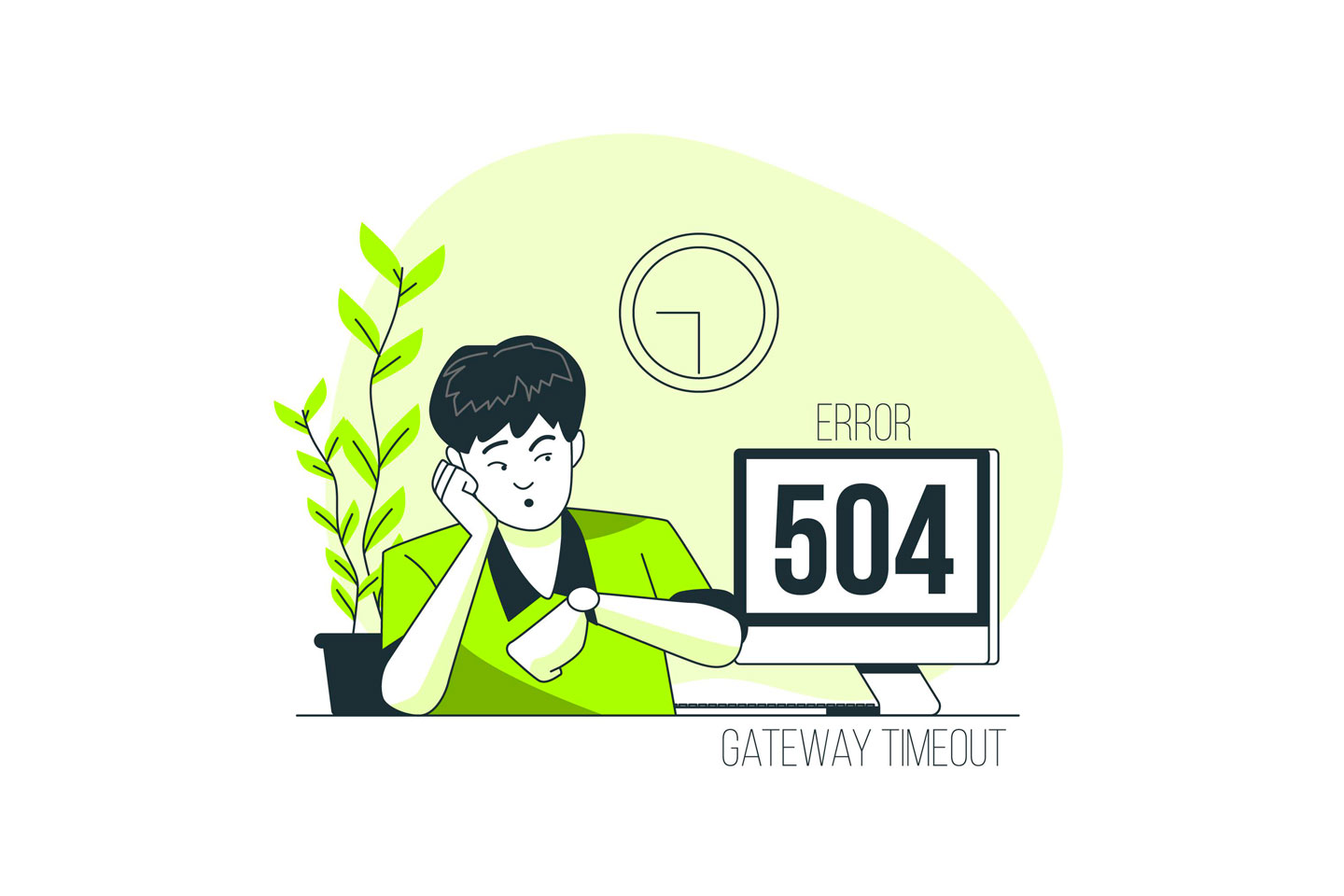
The response returned was either Gateway timeout OR the response took too long to load, hence many of the plugins like Elementor failed to load , as they internally use the REST API to update the block.
Why did this happen?
Not to worry! This is often easily solvable by a minor .htaccess modification.
This is usually caused by the PHP configuration. This happens because the server is likely configured with PHP in CGI or FastCGI modes. In this mode, by default your web server thinks it’s meant to handle HTTP Auth and then just pass the request on to PHP if it meets the requirements. But we need PHP to get the raw Auth header! So in this case, we’re stashing it in the REMOTE_USER parameter.

What is the solution
By default, WordPress add a piece of code in the .htaccess file that looks something like below
# BEGIN WordPress
<IfModule mod_rewrite.c>
RewriteEngine On
RewriteBase /
RewriteRule ^index\.php$ – [L]
RewriteCond %{REQUEST_FILENAME} !-f
RewriteCond %{REQUEST_FILENAME} !-d
RewriteRule . /index.php [L]
</IfModule>
# END WordPress
What we need to do is add this line directly after the RewriteEngine On
RewriteRule .* – [E=REMOTE_USER:%{HTTP:Authorization}]
The final code piece will look like this
# BEGIN WordPress
<IfModule mod_rewrite.c>
RewriteEngine On
RewriteRule .* – [E=REMOTE_USER:%{HTTP:Authorization}]
RewriteBase /
RewriteRule ^index\.php$ – [L]
RewriteCond %{REQUEST_FILENAME} !-f
RewriteCond %{REQUEST_FILENAME} !-d
RewriteRule . /index.php [L]
</IfModule>
# END WordPress
Once updated, the error should have gone and the affected plugins using the RESP APIs will start working.