
Category archive

javascript

Post related to JAVASCRIPT

20 articles

javascript

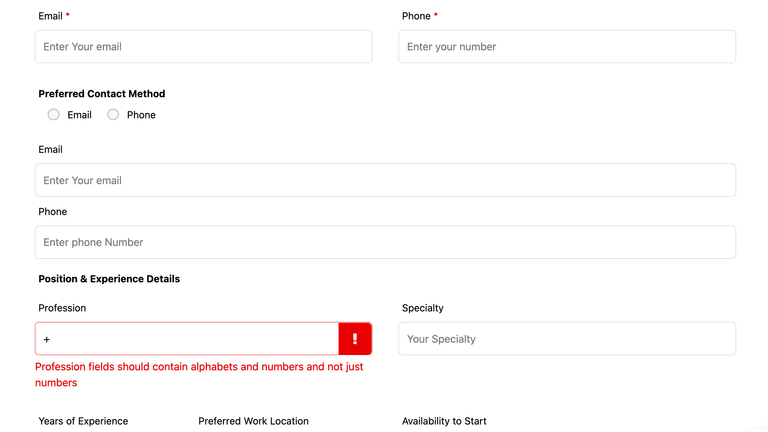
Custom Validation for Ninja Form – wordpress

Suppose you have used Ninja Form Plugin in your wordprss website. Ninja form provide you the option to validate the fields like email address, phone numbers format and required validation. But in case you have to add any custom validation then Ninja form provide you the hook to implement custom client side validation.

Jan 10, 2025

Read article

css

How to find selected and unselected item in select2 dropdown

While using select2 library, if you have to find the selected and unselected item based on the change event when you check or uncheck the items. Based on the checked status, you may have to create some custom trigger or events then you can use the below code reference from codepen to achieve the save. […]

Dec 1, 2024

Read article

HTML

Jquery Date time picker – Show only required dates enabled

<html> <head> <script src=”https://cdnjs.cloudflare.com/ajax/libs/jquery/3.7.1/jquery.min.js”></script> <script type=”text/javascript” src=”https://cdnjs.cloudflare.com/ajax/libs/jquery-datetimepicker/2.5.20/jquery.datetimepicker.full.min.js”></script> <link rel=”stylesheet” type=”text/css” href=”https://cdnjs.cloudfla

Jun 20, 2024

Read article

General

Add Prefix in text field

When you have to prefix any hard coded value in a text field, like for example in telephone field you have to prefix the country code and dont want the user to remove it, then in that case assign the prefix code in the text field and add the below javascript code code jQuery(“input[name=’job-code’]”).keydown(function(e

Jan 27, 2024

Read article

General

Detect Change in form fields

<script type=”text/javascript”> var formChanged = false; jQuery(window).load(function() { // This is triggered when the entiire page is loaded fully // form id and all the possible filed type in that form, You can also target by field type, name, class or id jQuery(‘#FrmIdToTarget input[type=text], #FrmIdToTarget selec

Jan 26, 2024

Read article

javascript

Jquery set input value and trigger on blur event

I want to trigger an event every time i click on select on any element by id First i will try to set the input value by the following code pickedvalue = jQuery(‘#someElementId’).val(); jQuery(‘#anotherInputElement’).val(parseInt(pickedvalue)); // use parseInt if the input type is “number” else not required. After setti

Sep 10, 2020

Read article

ajax

Ajax call using jquery

function makeAjaxRequest(data1,data2,…..,datax){ $.ajax({ ‘type’:’POST’, async: false, url: ‘http://www.example.com/some_request_url’, data:{param1:data1,param2:data2,….,paramx:datax}, success : function(response) { console.log(response); // Using this you can check the posted data in browser console window return true

Sep 18, 2019

Read article

javascript

issue with submit form in ajax success response

Usually when we try to submit the form after ajax call on success response, the form does not’t get submitted. Like for example in below code:- $.ajax({ type : “POST”, url : “to/some/url”, data : { userName:userName, mobileNumber:mobileNumber, otp:otp }, dataType : “json”, success : function(data) { if(data.result == t

Jul 12, 2019

Read article

General

validate email id using jquery or javascript

function validateEmail(email) { var emailReg = /^([\w-\.]+@([\w-]+\.)+[\w-]{2,6})?$/; return emailReg.test(email); } Usage:- if(validateEmail(emailString)){ alert(‘Your email is valid’); } else{ alert(‘Your email is not valid! There should be atleast @ and one dot(.) present in it’); }

May 4, 2018

Read article

HTML

Validate date format mm/dd/yyyy in jquery or javascript

<script type=”text/javascript”> function isValideDate(datavalue){ var regexValidDate = /^(?:(0[1-9]|1[012])[\/.](0[1-9]|[12][0-9]|3[01])[\/.](19|20)[0-9]{2})$/; return regexValidDate.test(datavalue); } var dateToCheck = ’06/01/2011′, if(isValideDate(dateToCheck)){ alert(“Given date is valid as per the format of MM/dd/Y

Mar 8, 2018

Read article
