
Insights

check whether any of the checkbox are checked or not

function isChecked(url)
{
f=document.frmName
var checkFound = false;
for (var counter=0; counter < f.length; counter++)
{
if ((f.elements[counter].name == ‘checkBoxId[]’) && (f.elements[counter].checked == true))
{
checkFound = true;
}
}
if (checkFound != true)
{
alert(‘Please check at least one checkbox.’);
return false;
}
else
{
//do something
}

}
Turn insight into action

Need help with javascript or a related project?

If this article sparked an idea, question, or project direction, I can help you turn it into a practical next step.

Start a conversationChat on WhatsApp

Related reading

Articles connected to this topic

javascript

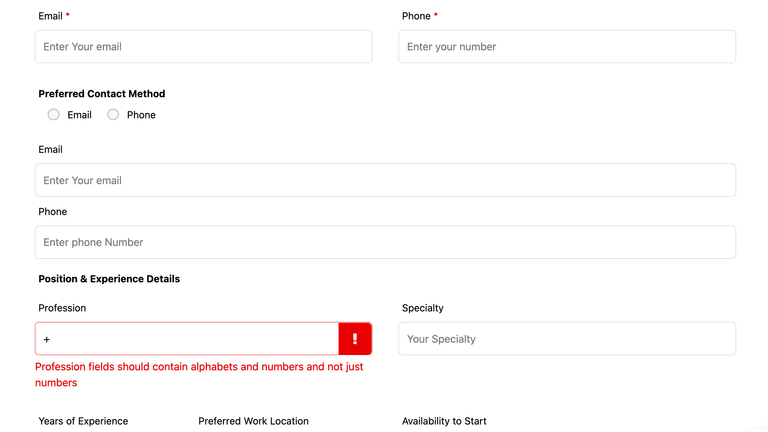
Custom Validation for Ninja Form – wordpress

Suppose you have used Ninja Form Plugin in your wordprss website. Ninja form provide you the option to validate the fields like email address, phone numbers format and required validation. But in case you have to add any custom validation then Ninja form provide you the hook to implement custom client side validation.

Jan 10, 2025

Read article

css

How to find selected and unselected item in select2 dropdown

While using select2 library, if you have to find the selected and unselected item based on the change event when you check or uncheck the items. Based on the checked status, you may have to create some custom trigger or events then you can use the below code reference from codepen to achieve the save. [&hellip;]

Dec 1, 2024

Read article

HTML

Jquery Date time picker – Show only required dates enabled

<html> <head> <script src=”https://cdnjs.cloudflare.com/ajax/libs/jquery/3.7.1/jquery.min.js”></script> <script type=”text/javascript” src=”https://cdnjs.cloudflare.com/ajax/libs/jquery-datetimepicker/2.5.20/jquery.datetimepicker.full.min.js”></script> <link rel=”stylesheet” type=”text/css” href=”https://cdnjs.cloudfla

Jun 20, 2024

Read article

Most recent

Latest posts from the blog

View all articles →