You ask an AI assistant to prepare a project update. It gives you a polished template, but the real information is scattered across your task tracker, documents, and support system.
You still have to find the records, copy the relevant details, and explain which information is current.
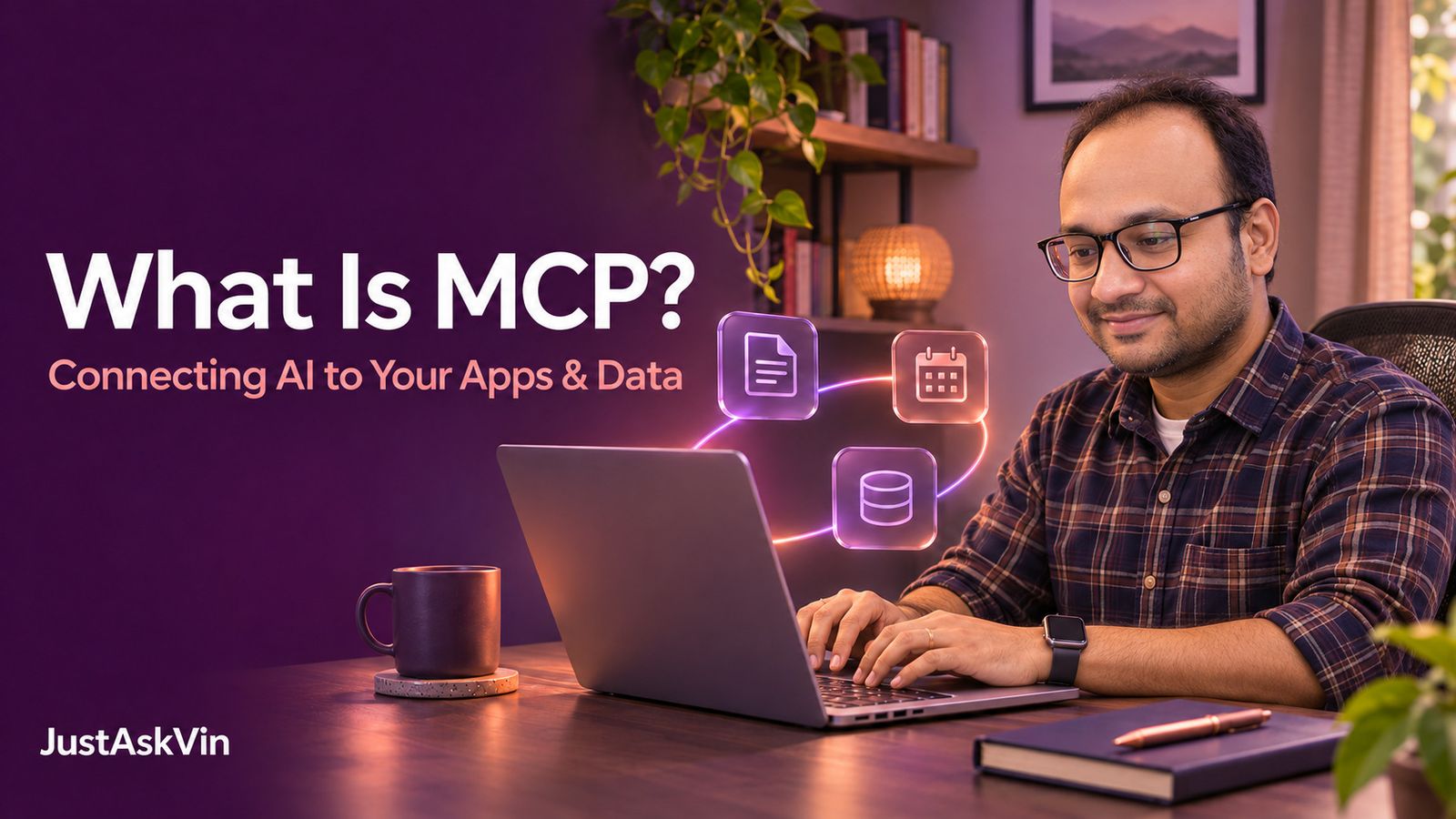
Model Context Protocol, or MCP, addresses part of that connection problem. It gives compatible AI applications a shared way to discover and use capabilities offered by external systems. The official documentation describes connections to information sources, tools, and workflows. [1]
The important question for users is practical: what could an assistant access, what could it change, and who controls those permissions?
What is MCP in simple terms?
MCP is an open standard for connecting AI applications with external data and capabilities. It defines a common interaction format, helping compatible software work together. [1]
Think of a workplace assistant that can request a project's open tasks through a supported connection. It can use the returned information to help answer your question instead of relying entirely on what you paste into the conversation.
That example requires an actual integration, suitable permissions, and an AI application that supports the relevant features. Knowing the acronym alone does not make an application connected.
The three parts behind an MCP connection
The official architecture identifies a host, a client, and a server. A server can run locally or remotely. [2]
| Component | Role | Illustrative example |
|---|---|---|
| Host | The AI application coordinating the interaction | A compatible desktop assistant or coding environment |
| Client | The component within the host communicating with an MCP server | The connection used to access a project integration |
| Server | The program exposing supported information or capabilities | An integration offering project search and task lookup |
The server does not have to be the underlying business application itself. It might provide an interface to that application's existing services.
Servers can expose three core building blocks: tools for executable operations, resources for contextual data, and prompts for reusable interaction templates. Support depends on the implementation. [2]
For example, a project integration might offer a search tool, a project handbook as a resource, and a status-report prompt template. An assistant does not need every type to provide useful help.
A practical example: preparing a weekly project update
Imagine a small development company using an assistant connected to a task tracker and an internal documentation system. This is a hypothetical workflow, not a claim about a specific product combination.
"Prepare this week's update for Project Atlas. List completed work, overdue tasks, and decisions that need my attention. Include links to the supporting records."
- The host makes supported capabilities available for the assistant's task.
- The assistant requests relevant records through the permitted tools.
- The integrations return information the user is authorised to access.
- The assistant organises that information into a draft update.
- The user checks the draft against its sources before sharing it.
A useful implementation would distinguish a confirmed deadline from an estimate, identify missing information, and preserve source links. These are design goals for the workflow, rather than outcomes MCP automatically guarantees.
If the user also wants to create follow-up tasks, that introduces a separate action. Access to read a task list should not automatically imply permission to change it.
How is MCP different from an API?
An API provides a way for software to interact with another system. An MCP server can use an existing API to carry out an operation. MCP adds a shared interface through which a compatible AI application can discover and invoke the exposed capabilities. [2]
| Question | API integration | MCP integration |
|---|---|---|
| What interface does it provide? | The operations defined by a particular service | A standard interface for exposing capabilities to compatible AI applications |
| Can they work together? | Yes: an API may remain the underlying service interface | Yes: an MCP server may call that API |
| Does it eliminate integration work? | No | No: developers still implement behaviour, permissions, and error handling |
For a fixed application workflow, a direct API integration may be sufficient. Consider MCP when compatibility with AI hosts and reusable capability discovery serve a concrete need.
Is MCP the same as RAG or an AI agent?
These terms describe different concerns.
- RAG, or retrieval-augmented generation: retrieving relevant information and using it to inform a generated answer.
- MCP: the connection protocol through which an application can obtain context or invoke capabilities.
- An AI agent: a system organised to pursue a task using a model and, potentially, tools.
They can be combined. An agent could use an MCP search tool to retrieve documents and use those documents when composing an answer. MCP itself does not decide the agent's goals or how the application manages model context. [2]
What MCP does not guarantee
A successful connection does not establish that a record is current, a summary is accurate, or a proposed action is appropriate.
For the Project Atlas example, an assistant might retrieve an outdated planning document alongside a newer task. The application still needs a sensible way to handle conflicting information.
Likewise, MCP compatibility does not mean every host supports every server feature. Check supported protocol versions and capabilities for the products you intend to combine. The specification defines the protocol; individual products determine their supported implementation. [3]
Permissions matter as much as connectivity
The MCP specification emphasises user control, consent, and data protection, while explaining that the protocol cannot enforce all those principles itself. Implementers must build the appropriate controls. [3]
OWASP highlights risks including excessive privileges, untrusted server packages, and malicious instructions in tool descriptions or returned information. Such instructions can attempt to redirect an assistant away from the user's intended task—a form of prompt injection. [4]
For an initial workplace pilot, a practical approach is to:
- Choose a trusted integration and check its requested permissions.
- Start with limited, read-only access where the task allows it.
- Confirm where retrieved data travels and which services process it.
- Require appropriate review for consequential actions.
- Keep useful audit records without unnecessarily logging sensitive content.
- Test access restrictions and how to revoke the connection.
These controls belong in application and service configuration. A sentence in a prompt asking an assistant to behave safely cannot replace enforced access restrictions.
When should you consider using MCP?
Start with a recurring problem: perhaps a support specialist repeatedly searches an approved knowledge base, or an engineering lead assembles updates from several project sources.
Choose one workflow and define success before adding connections. For the weekly update, compare the time required, accuracy of source references, missing information, and corrections needed.
If a simple export or direct integration solves the problem reliably, that may be enough. Where a compatible AI interface would make several capabilities easier to reuse, MCP is worth evaluating.
The useful shift: AI with relevant context and controlled actions
MCP offers a common foundation for connected AI applications. The value comes from how that foundation is used: relevant information, narrowly defined capabilities, clear permissions, and verifiable results.
Before connecting another system, ask: what specific task will this improve, and how will we know it worked? That question keeps an MCP project focused on useful outcomes.
Sources
- Model Context Protocol: Introduction
- Model Context Protocol: Architecture overview
- Model Context Protocol: Specification, version 2026-07-28
- OWASP: MCP Security Cheat Sheet
Sources checked on 17 November 2026. Product support and protocol documentation can change. The workplace example and adoption suggestions are illustrative editorial guidance.